Is It Time to Fire Your Project Management Software?
Here's a question I've started asking my contractor clients: if you canceled your project management software tomorrow, what would you actually miss?
For a lot of builders, the honest answer is the job reports. The work-in-progress schedule. The estimate-versus-actual view. The one screen that tells you whether the kitchen remodel across town is making money or quietly bleeding it. That's a big part of what an $8,000-a-year (or more) subscription is really buying.
As of this year, QuickBooks Online Advanced can give you that report too. Natively. Inside your books.
That's a bigger deal than it sounds, and it's worth slowing down to look at what changed, what it means for your bottom line, and where the limits still are.
What changed
For years, the answer to "Can QuickBooks Online do WIP?" was simply no. The QuickBooks community forums are full of contractors asking the question and getting pointed toward third-party apps. So if you wanted real job-performance insight, you had two options: build a WIP schedule in a spreadsheet every month or pay for project management software that would do it for you.
Late this summer, Intuit folded a set of construction financial tools into QuickBooks Online Advanced and Intuit Enterprise Suite, and as of the August update they're included at no added cost. The pieces that matter most for builders:
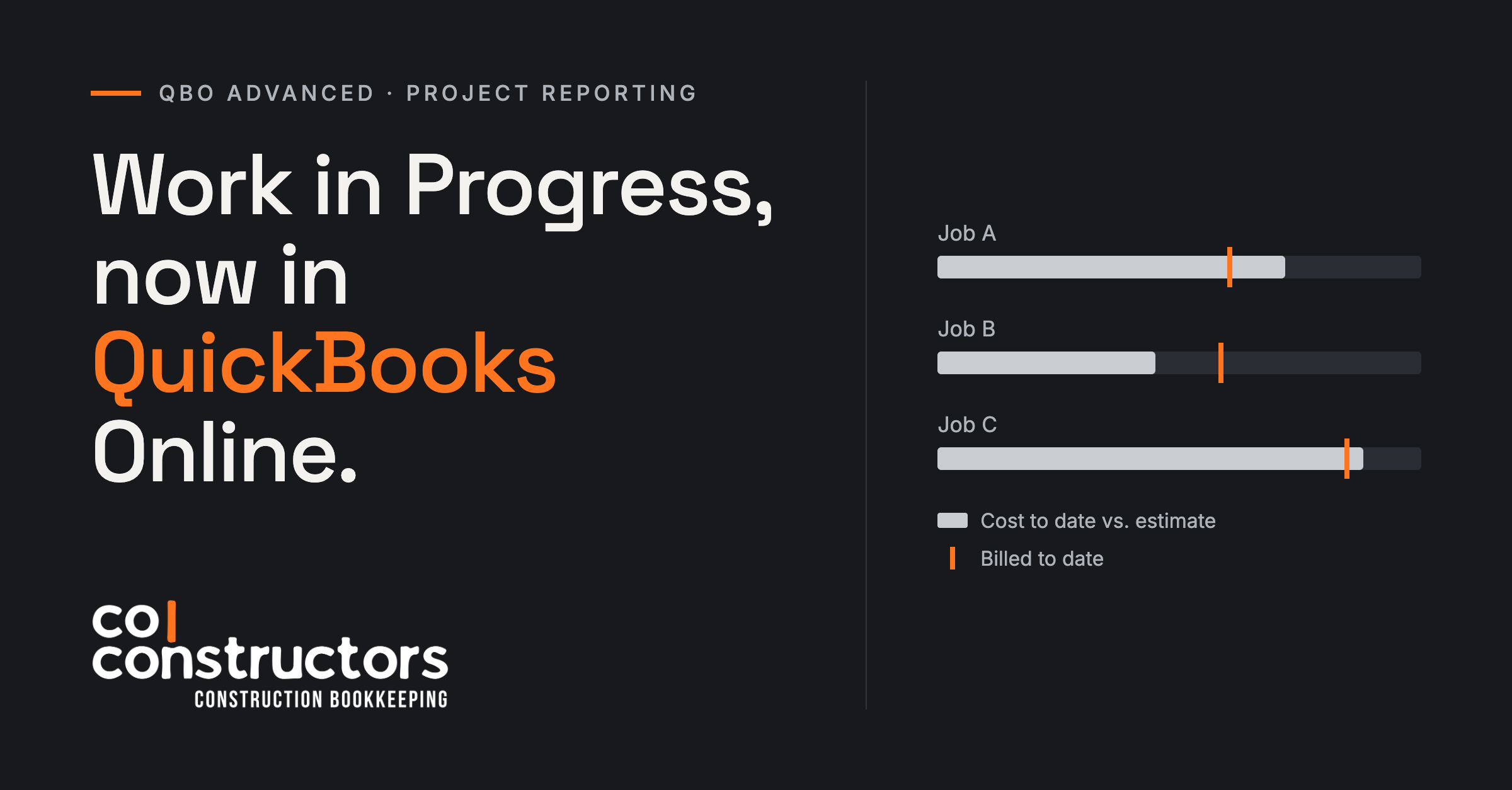
A Work in Progress report that compares what you've spent on each job against what you estimated it would cost.
Phases on project estimates, so you can group line items by division of work or by room.
Change orders you can send to your client for approval, which flow back into the project budget.
AIA-inspired progress invoicing tied to phases, so draw requests reflect completed work.
Over/under billing on the WIP report when progress invoicing is turned on.
There's also a deeper bench of project reports than most people realize: Cost to Complete, Committed Cost by Project (think open purchase orders), a Change Order report, Unbilled Time and Expenses, and Estimates vs. Actuals. A note before you get too excited: as of date, these features are U.S.-only and require Advanced or Enterprise Suite. Plus subscribers don't get them.
A quick WIP refresher
If you've never worked with a WIP schedule, here's the short version. On every open job, a WIP report asks two questions: how much revenue have you actually earned based on the work completed, and how much have you billed?
When you've billed more than you've earned, you're overbilled. The cash feels great, but you owe your client work you haven't done yet, and that money is already spoken for. When you've earned more than you've billed, you're underbilled, which means you're financing your client's project out of your own pocket.
Neither is automatically bad. But if you don't know which jobs are which, you're flying blind on cash flow. I've watched profitable builders run short on cash because three jobs were quietly underbilled at the same time. That's the problem a WIP report exists to catch, and it's why sureties, lenders, and CPAs ask for one.
How the pieces fit together
What makes this update interesting isn't any one feature. It's that the whole chain, from estimate to invoice to cost, now lives in one system with no syncing.
It starts with the estimate, now with Phases
Your project estimate is the budget the WIP report measures against. The new Phases feature lets you bundle estimate line items into groups. You might organize by division (Demo, Foundation, Framing, MEP, Finishes), or if you're a remodeler, by room or space (Kitchen, Primary Bath, Mudroom). Whatever matches the way you think about the job.
You also control what your client sees. You can send an estimate or invoice that shows phase totals only, or every line item underneath. That's a small detail that matters a lot when you're presenting a number to a homeowner.
Change orders keep the budget honest
Here's where most job-cost reports fall apart: the job changes, but the budget doesn't. The client adds a window, the PM says yes on site, the crew gets to work, and nobody updates the numbers. Three months later the job looks like it's running way over when really it just grew.
QBO's change orders tie directly back to the project estimate. You create the change, send it to your client to approve, and once it's accepted the project's estimated totals update. Negative change orders work too, so a scope reduction or credit comes off the budget cleanly (I haven’t tested this, but it looks genuinely helpful). The Change Order report then shows every adjustment and its status, so pending changes don't slip through the cracks.
Progress invoicing adds the billing side
Turn on progress invoicing and you can bill a percentage of a phase or a dollar amount against specific lines, with Total, Invoiced, and Remaining columns your client can see. For GCs working with lenders or owners who want draw requests in a familiar format, the AIA-inspired invoicing is a welcome addition.
This is also what lights up the over/under billing side of the WIP report. Once your billings are tied to the estimate, QBO can show you where you're ahead and where you're behind.
‘Actuals’ flow in on their own
This is the part dedicated PM software has always struggled with. In most setups, your costs live in QuickBooks and your budgets live somewhere else, and the two talk through a sync that breaks at the worst possible moment.
In QBO, the actuals are already there. Every bill, expense, and check coded to the project counts against it. Time entries, including those from QuickBooks Time, roll in as labor. Purchase orders show up as committed costs before the bill even arrives. There's no import, no mapping, and no "why doesn't this match the books?" conversation.
Honestly, for the financial side of a project, this is about as detailed as a lot of PM software gets. And it's tied directly to the general ledger.
What it still won't do
I want to be plain about this, because I don't want anyone canceling software they actually need.
It's not a project management platform. There's no scheduling, no Gantt charts, no selections, no client portal for finish choices, no daily logs, and no RFIs. If your team runs the field from your PM software, QBO isn't replacing that.
Over/under billing still needs a bookkeeper. The report calculates the over/under billing for you, but it doesn't post anything to your balance sheet. Someone still needs to book the adjusting entries at month end (typically to Costs and Estimated Earnings in Excess of Billings, or Billings in Excess). The good news is that once the report does the math, the entries themselves are straightforward.
Help with those entries looks like it's on the way. In its fall update this October, Intuit described a new Work in Progress Agent for construction businesses. It's built to update cost forecasts and WIP calculations, then draft the over/under billing journal entries for a bookkeeper or controller to review and approve, so the balance sheet and income statement line up with what the WIP report is showing. Two caveats. Right now it's announced for Intuit Enterprise Suite, not QBO Advanced. And it drafts the entries; it doesn't post them on its own. Someone still reviews and approves each one, which is exactly how it should work. Still, it's a clear sign of where Intuit is taking this, and I wouldn't be surprised to see some version of it reach Advanced down the road.
It's only as good as your estimate. QBO's WIP report measures progress by comparing what you've spent to what you estimated. If your cost budgets are thin, or if bills get coded to overhead instead of the job, the percentage complete will be wrong, and so will everything downstream of it. Estimates need to be built with products and services (not just a lump sum), and every job cost needs to land on a project. That takes discipline, and it's exactly where a good bookkeeper earns their keep.
Watch the gaps. Retainage isn't a built-in feature of these tools in QBO Advanced today. That's not a dealbreaker: plenty of contractors handle it manually with a retainage receivable account and a separate retainage line on their progress invoices, and with a little discipline it works just fine. But the same fall update that introduced the WIP Agent also lists contractor billing and retainage workflows for Intuit Enterprise Suite, currently in beta. That's a good sign retainage is headed from a manual workaround to a real workflow inside the software, likely starting with Enterprise Suite. If you carry retainage on most jobs, test how it behaves before you commit. And again: these features require Advanced or Enterprise Suite, and they're U.S. only.
Let's talk money
If you're on QBO Plus today, moving to Advanced costs more each month, so do the math on your own subscription. But compare that difference to a full-featured PM platform that can run $8,000 a year or more, and the gap is hard to ignore.
And if you only used your PM software for one or two non-financial things, like scheduling or client selections, there are point solutions built to do just those jobs, often for a small fraction of what an all-in-one platform charges. A dedicated scheduling tool plus QBO Advanced may cover everything you were really using, for a lot less money and one less sync to babysit.
But the savings aren't only about the subscription. Every time job data lives in two systems, someone spends hours reconciling them. Cutting that work, and having one source of truth your bookkeeper, your PM, and your CPA all look at, may be worth more than the software line item itself.
Who should take a hard look
This update makes the most sense for:
Small GCs and remodelers who mainly use PM software for estimates, change orders, invoicing, and job costing.
Builders already on QBO Advanced who haven't turned on Projects, Phases, or progress invoicing yet. You may already be paying for this.
Contractors who've been building a WIP schedule in Excel every month and are tired of it.
Anyone whose PM software and QuickBooks numbers never quite agree.
It probably isn't the right move if your field team lives in your PM software every day for scheduling, daily logs, and client communication, or if you're a larger builder with complex retainage, multiple entities, or lender reporting that QBO can't yet handle.
The bottom line
For a long time, "real" job-performance reporting came bundled with expensive software built for a bigger company than yours. This update changes that equation. Estimates, phases, change orders, progress billing, actual costs, labor, and WIP now live in one place, tied to your books.
That won't make your PM software obsolete for everyone. But for a lot of the small builders I work with, it's a fair question to ask: what are we actually paying for?
If you'd like help answering that for your business, whether that's setting up Projects and Phases the right way, cleaning up how job costs are coded, or figuring out whether you can drop a subscription, reach out. That's the kind of work I love doing.
— Avi Edelson, Co|Constructors